
Deposit Methods 2026 at AdmiralBet Casino
At AdmiralBet, we offer a wide range of payment methods to make the deposit process simple, secure, and fast. Whether you prefer to use debit cards or e-wallets, AdmiralBet ensures that all transactions are processed quickly and without additional fees. Find out about the available deposit methods and basic limits. Join AdmiralBet and receive a welcome bonus of 100 free spins on a first deposit of £10 or more!

How to Make a Deposit on AdmiralBet?
You can deposit money into your AdmiralBet account immediately after logging in and choose from multiple convenient payment options. Just follow the instructions below:
- Log In. Access your AdmiralBet account by entering your username and password. Only players who have completed registration and passed the age and identity check can make deposits.
- Pick Your Preferred Deposit Option. Navigate to the AdmiralBet “Deposit” section and select your preferred payment method from the available options.
- Fund an Account. Enter the deposit amount (at least £10), follow the instructions, and confirm the transaction. Funds are credited instantly, allowing you to start betting or playing immediately.
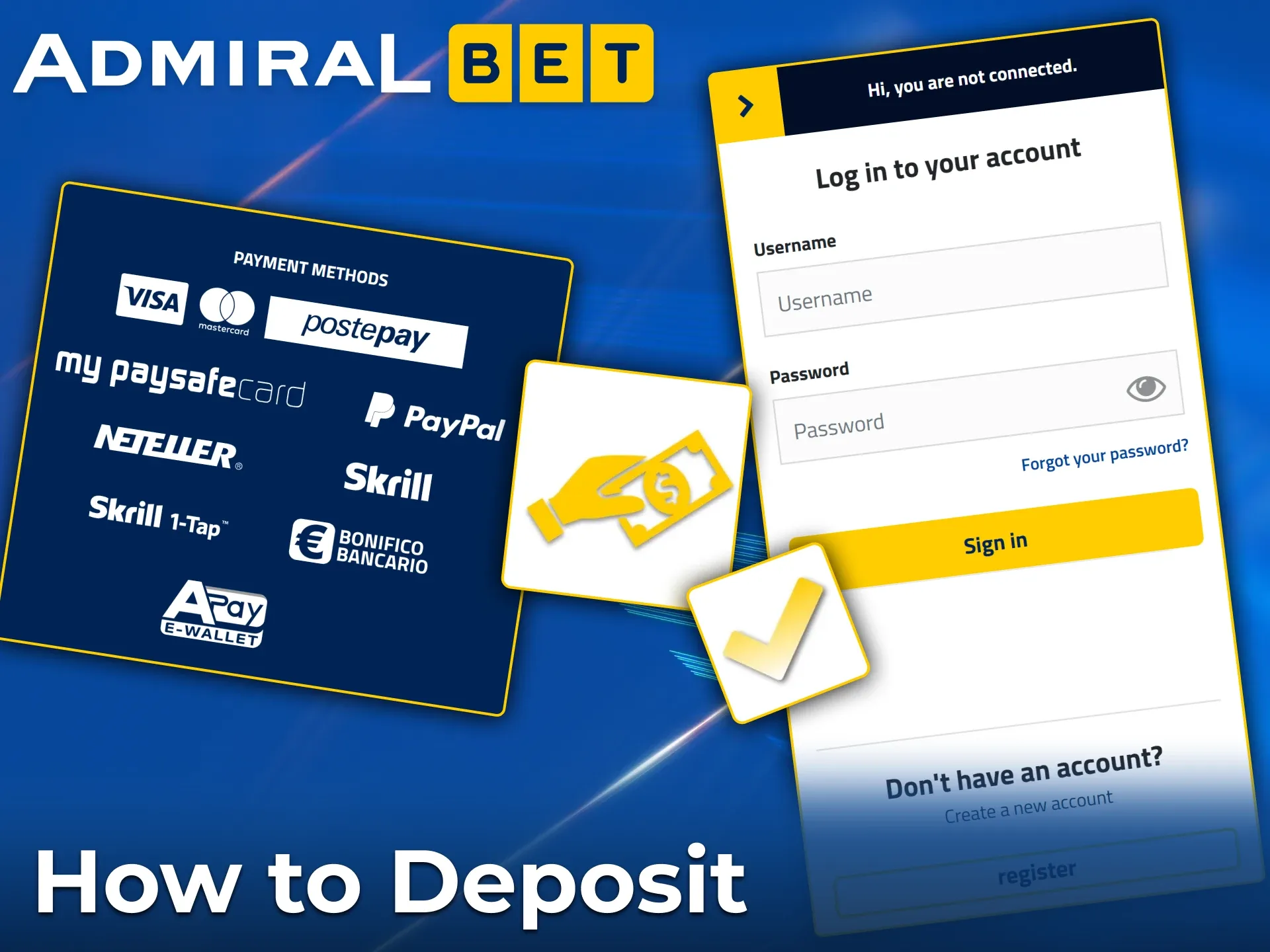
AdmiralBet Deposit Methods: Payment Options Explained
AdmiralBet supports a wide range of payment methods for British players, all in pounds sterling. You can fund your account using debit cards, e-wallets, Apple Pay or Instant Bank Payment; credit cards are not accepted. Choose carefully, because withdrawals go back to the method you deposited with first, and Paysafecard deposits are paid out by bank transfer. The table below summarises the main deposit options and their limits:
| Payment Method | Minimum Deposit | Maximum Deposit | Transaction Fees | Processing Time |
| Visa Debit | £10 | Depends on your account and limits | Free | Instant |
| Mastercard Debit | £10 | Depends on your account and limits | Free | Instant |
| PayPal | £10 | £1,000 per deposit | Free | Instant |
| Neteller | £10 | Depends on your account and limits | Free | Instant |
| Skrill | £10 | Depends on your account and limits | Free | Instant |
| Apple Pay | £10 | Depends on your account and limits | Free | Instant |
| Instant Bank Payment | £10 | Depends on your account and limits | Free | Instant |
| Paysafecard | £10 | Depends on your account and limits | Free | Instant |
AdmiralBet App Deposit
If you are a mobile player, you can quickly fund your account via the AdmiralBet app. It is perfectly optimised and fully replicates the functionality of the desktop site. Below is a simple step-by-step guide to help you deposit via the app:
- Launch the downloaded AdmiralBet app on your smartphone or tablet.
- Log in using your registered credentials.
- Tap the “Deposit” button in your account menu.
- Select your preferred payment method from the list.
- Enter the deposit amount and any additional payment details if required, then confirm the transaction.
The funds will be credited instantly, allowing you to place bets or play casino games immediately from your mobile device.
AdmiralBet Deposit Time
Deposits on AdmiralBet are processed instantly, so you can start betting or playing casino games without any delays. All payment methods, including debit cards and e-wallets, credit your account immediately, ensuring a smooth gaming experience. Your first deposit of £10 or more also unlocks the welcome bonus of 100 free spins, credited within 24 hours; first deposits made with PayPal or Paysafecard do not qualify.
Deposit Issues at AdmiralBet
If you encounter any problems while depositing at AdmiralBet, our customer support is ready to assist. Common issues such as failed transactions, delays, or payment errors can be quickly resolved using the available support channels:
- Live Chat: available on the website or app from 8am to 9pm, 7 days a week (when logged in);
- Email Support: [email protected];
- Phone Number: 0800 069 8921 (free, 9am–5:30pm).
F.A.Q
How long does it take for my deposit to appear in my account?
Deposits are credited instantly.
Can I deposit using multiple methods at the same time?
Yes, you can use different payment methods for separate deposits, but each transaction must meet the minimum deposit of £10.
Are there any fees for deposits?
AdmiralBet does not charge deposit fees. Your bank or payment provider may apply its own charges.
What should I do if my deposit fails?
Check that your payment details are correct and ensure sufficient funds. Remember that credit cards are not accepted. If the issue persists, contact AdmiralBet support via live chat, email, or phone.
Can I claim the welcome bonus more than once?
No, the welcome offer of 100 free spins is available once per customer on the first deposit. After that, you can join regular promotions such as Drops & Wins and the Daily Prize Blitz.
Updated:
Comments