Registration and Verification at AdmiralBet – Create Casino Account

Every new user from the UK who wants to start playing at AdmiralBet must create an account. This is necessary in order to have your own balance and use all our features and functions. You will be able to make transactions, receive bonuses, place sports bets, and play at the casino.
Find out how to register and verify your account on our website. Join AdmiralBet and get 100 free spins on a first deposit of £10 or more for the best start!

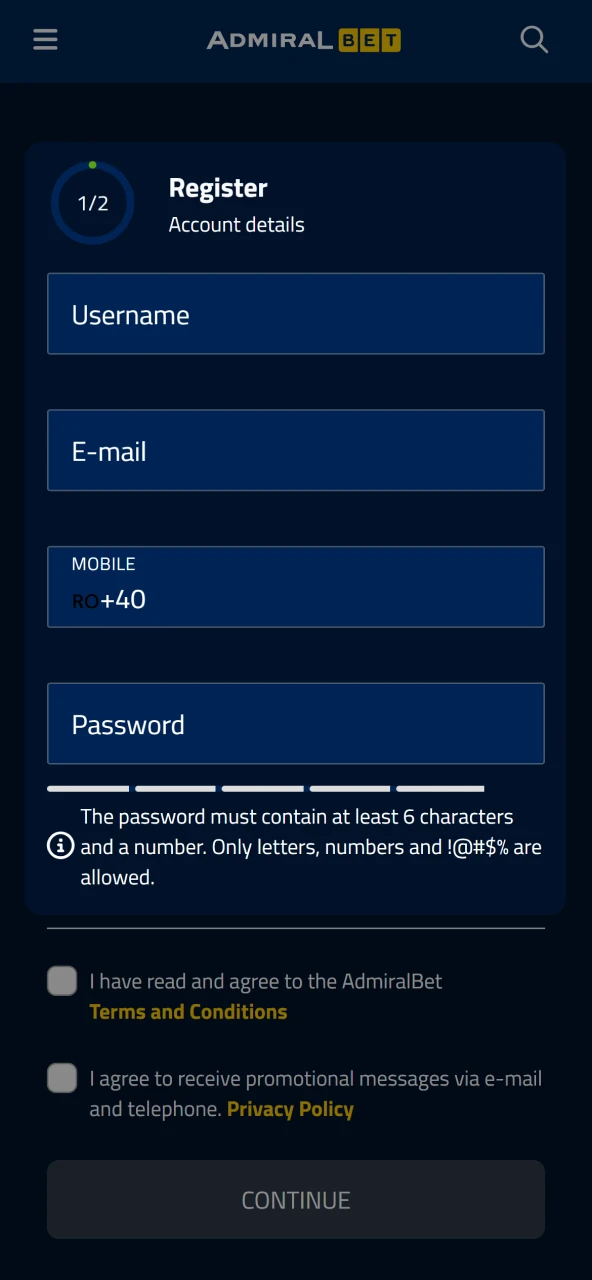
Quick registration on Admiralbet to access games and bonuses.

How to Register at AdmiralBet by 4 Steps?

You need to create an account to start playing on our website. The AdmiralBet registration process is very quick and consists of the following steps:

1

Open the AdmiralBet Website

Go to the official AdmiralBet website via your browser or open the mobile app.
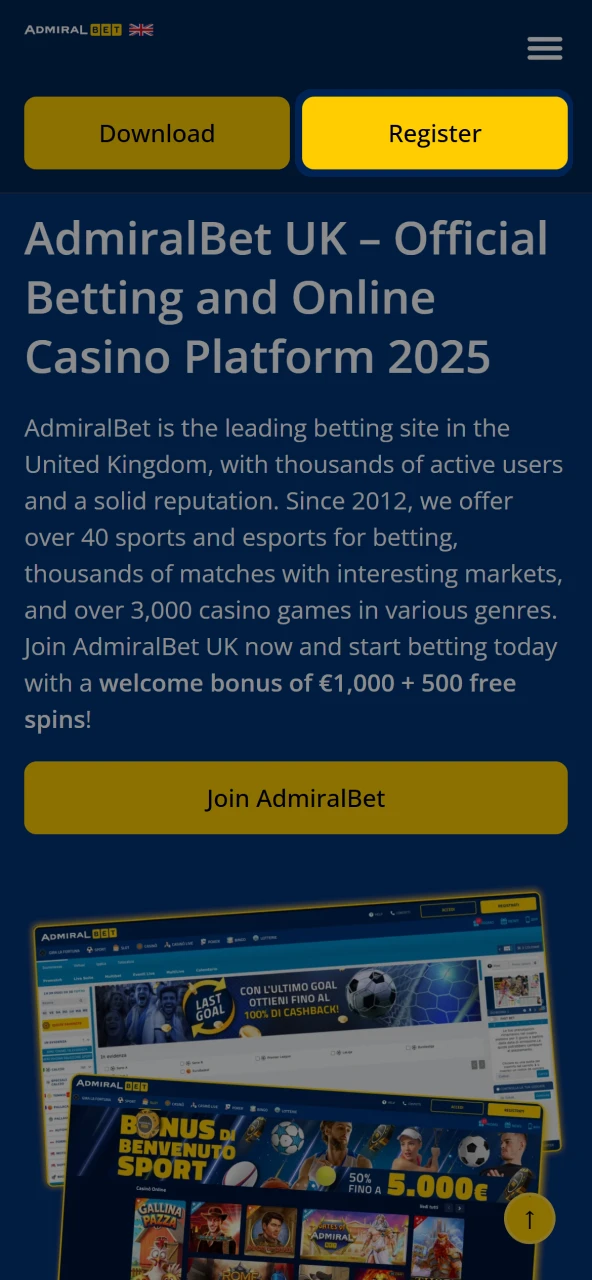
Open the AdmiralBet site and create your gaming account now.
2

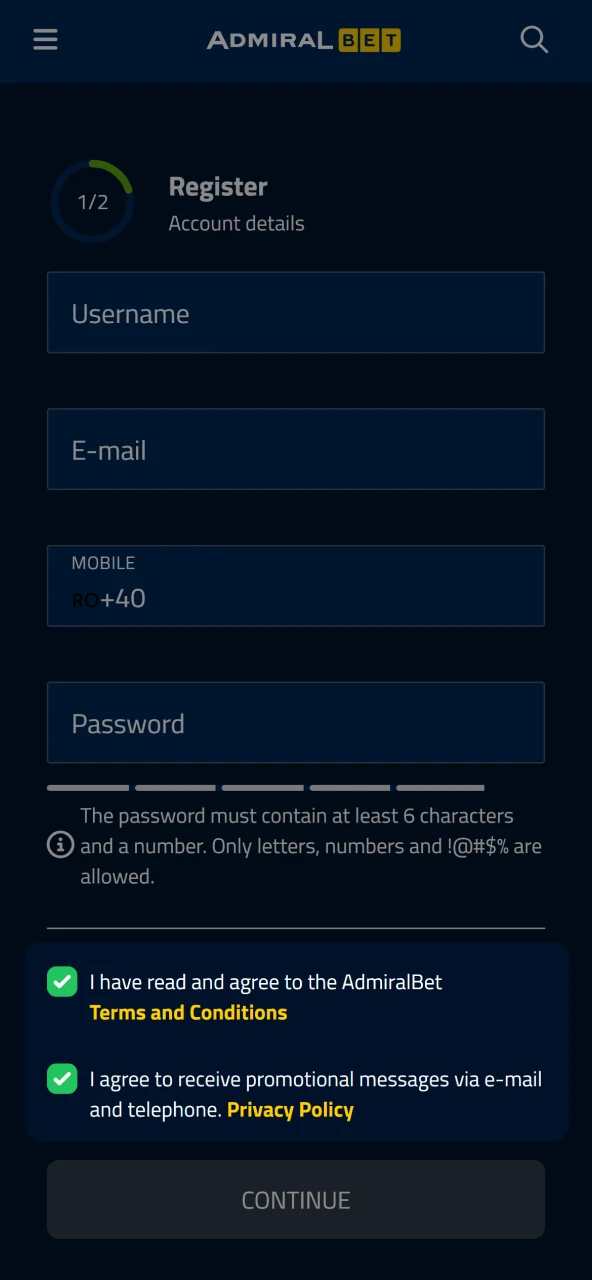
Go Through the Registration Process

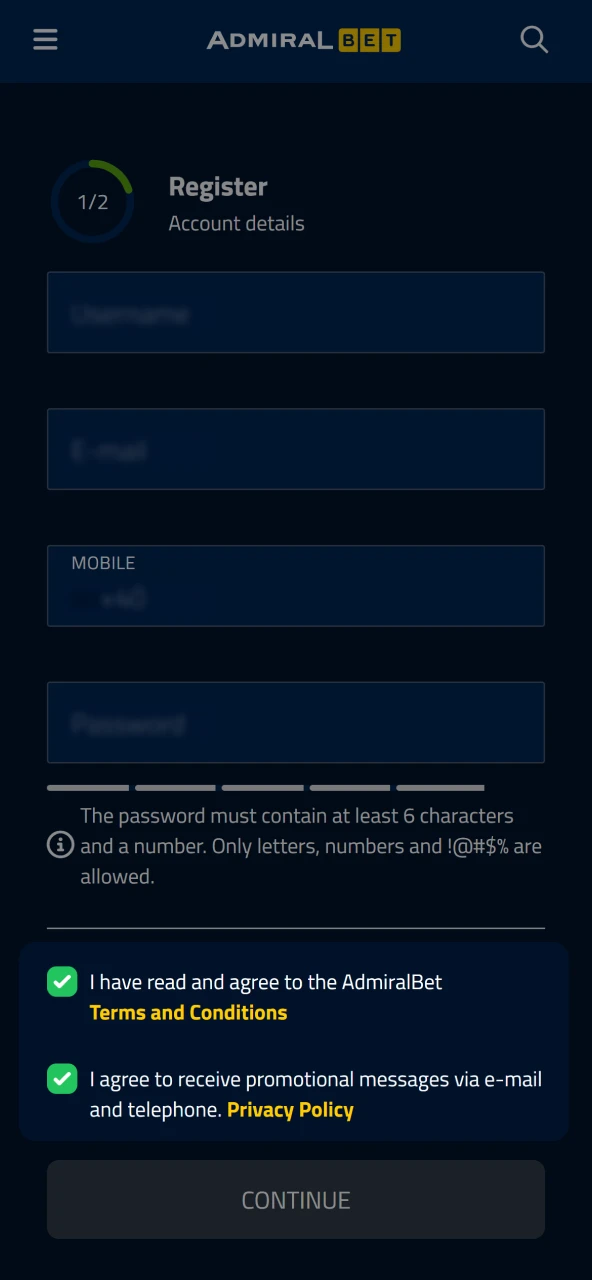
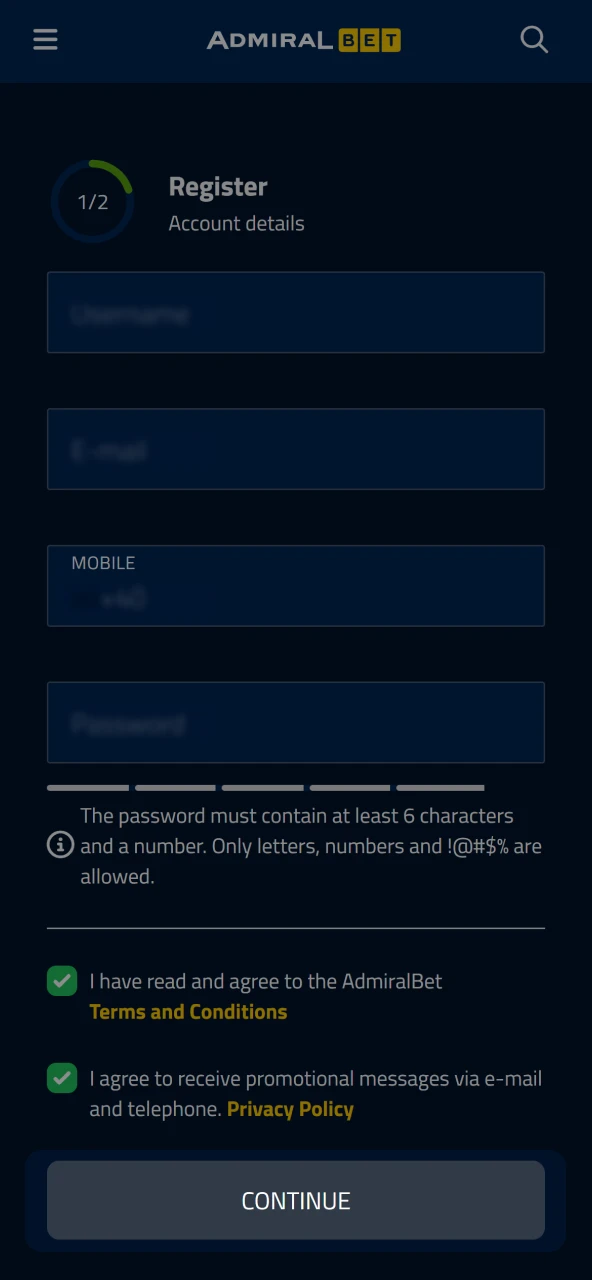
Click the “Register” button on the homepage. Enter your name, e-mail, phone number, date of birth and address, then choose a username, password and security question.

Enter your details on AdmiralBet and create the game account.
3

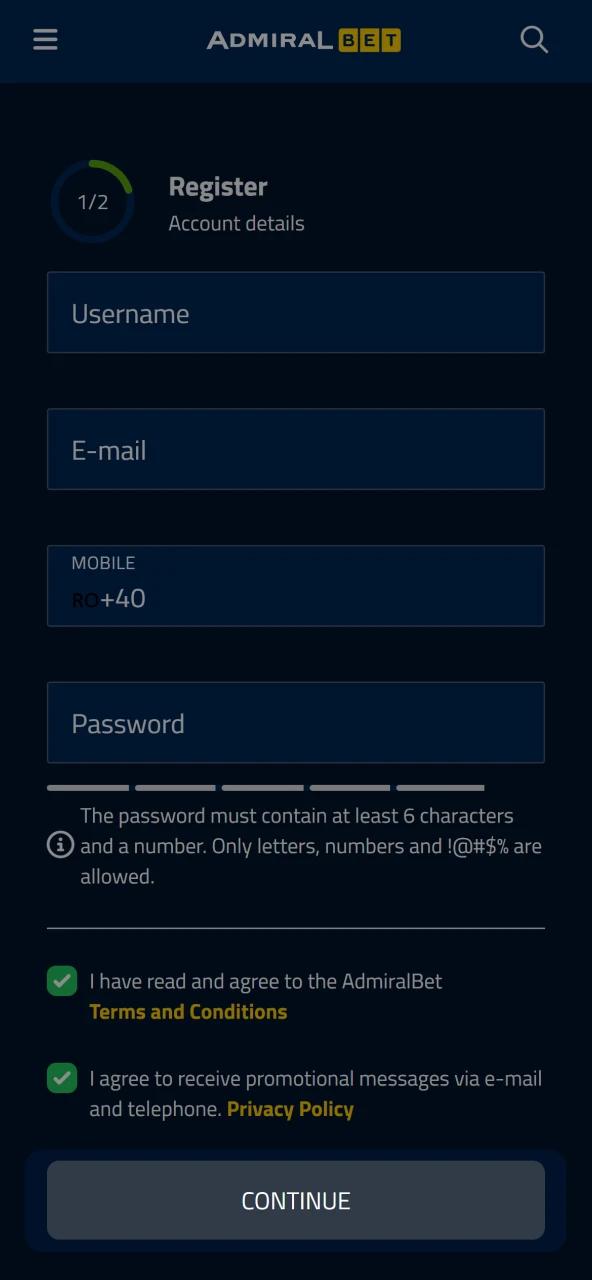
Confirm Your Age and Accept Terms

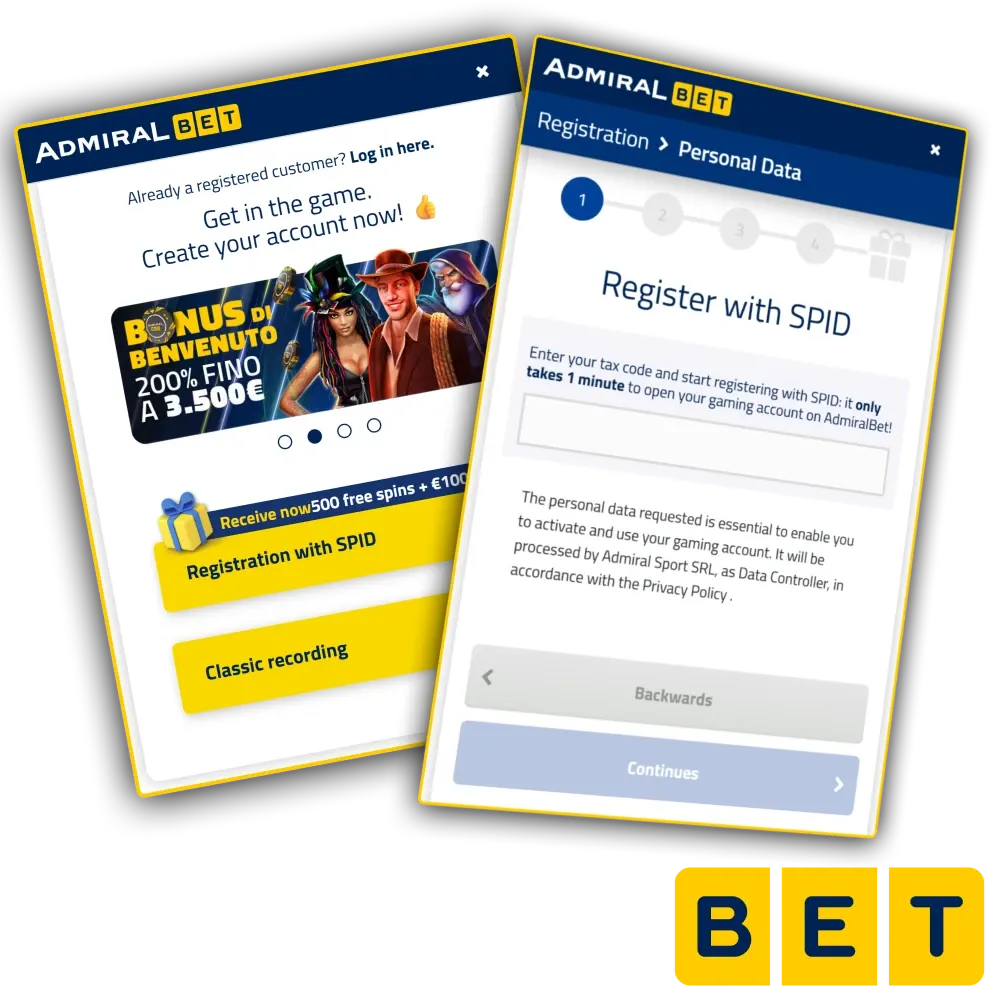
You must confirm that you are 18 years or older to comply with UK law. Additionally, read and accept the terms and conditions, choose your marketing preferences and, if you wish, set a deposit limit before proceeding.

Confirm 18 years of age and securely create your AdmiralBet account.
4

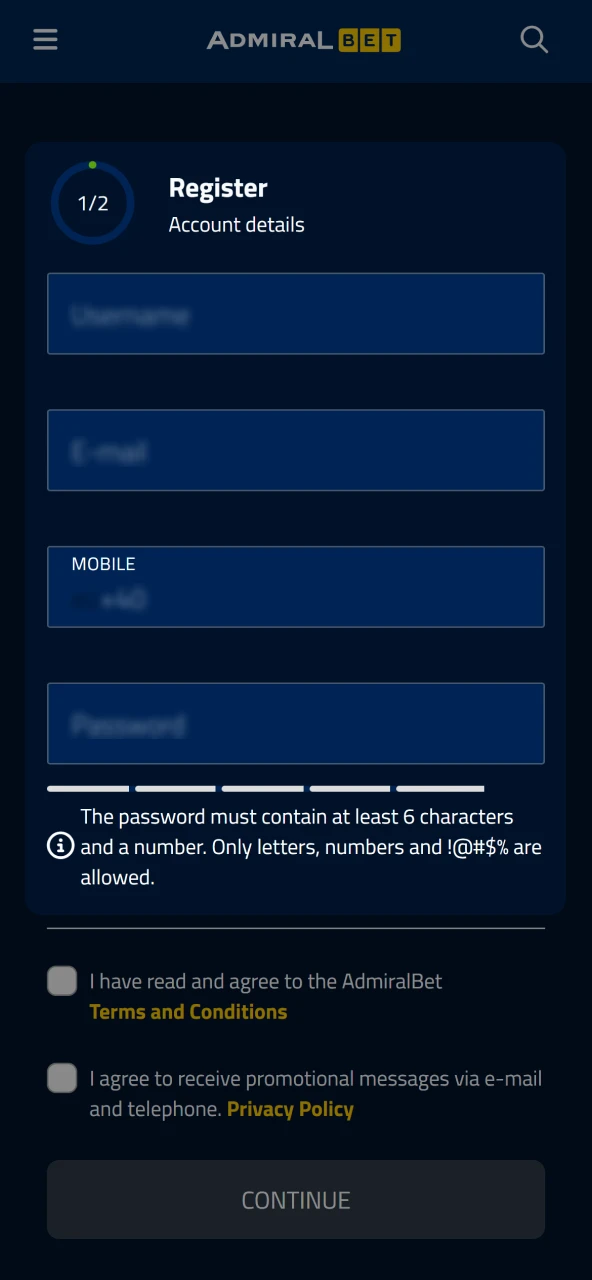
Complete the Registration

After filling in all required fields, double-check that your personal information is correct and click “Register”. Then activate your AdmiralBet account with the link in the confirmation e-mail. It is crucial to provide accurate information, because your details are checked automatically and later changes to personal data go through customer support.

Check the details, confirm by email and play at AdmiralBet.

Welcome Bonus for AdmiralBet New Players

New players at AdmiralBet get a welcome offer of 100 free spins on a first deposit of £10 or more, with no promo code needed. To claim the welcome bonus, follow the clear instructions below:

  1. Complete your registration at AdmiralBet and activate your account.
  2. Make your first deposit of £10 or more. First deposits made with PayPal or Paysafecard do not qualify.
  3. Open Feel the Flutter or Sizzling Hot Deluxe and accept the free spins.

The free spins are credited within 24 hours and must be used within 3 days of accepting them. Existing players can also join the regular promotions below.

Casino Welcome Offer

Get 100 free spins for a first deposit of £10 or more: 50 on Admiral Feel the Flutter and 50 on Sizzling Hot Deluxe, each worth £0.10. Winnings carry x1 wagering.

Daily Prize Blitz

Spin the free prize wheel once a day to win 2 to 50 free spins on Butterfly Blitz. Winnings carry x1 wagering, and the spins must be used the same day.

Sports Offers

Sports bettors get Boosted Odds (Golden Boost) and a daily Bet of the Day with enhanced prices on selected markets.

Drops & Wins

Opt in to Pragmatic Play’s daily tournaments with £20,000 in prizes every day and weekly wheel drops. Prizes are paid in cash with no wagering, and spins start from 15p.

Free Bingo Newbie Room

New bingo players get 7 days of free games from 19:00 to 20:00 after buying one paid ticket, with 30 free tickets per game and a £100 jackpot for a full house in 44 calls or fewer.

How to Complete Verification and what Documents are Needed?

To fully access all features of AdmiralBet, players must complete the account verification process. Your name, address and date of birth are checked automatically when you register, and you cannot play until the check is complete. If more proof is needed, you upload documents in your account.

Primary Verification

The automatic check usually confirms your age and identity straight away. If it cannot, AdmiralBet asks for photo ID (passport, driving licence, national ID card or PASS card) and a proof of address no older than 6 months, such as a bank statement, utility bill or tax notice. Documents are usually reviewed within 24–72 hours, after which you can make deposits and play without restrictions.

Requested Account Verification

Some account updates or payments may require additional checks later. AdmiralBet may ask for a video identification through IDnow or, as part of affordability checks, a payslip or bank statement. Upload documents in your account; for questions, you can write to [email protected].

AdmiralBet Login Process

If you’ve already registered, you can sign in to your AdmiralBet account. Follow these steps:

  1. Click the “Log In” button on the homepage.
  2. Enter your username and password.
  3. Tap on the confirmation button.

After logging in, you can make a deposit, place bets, play casino games, and manage account settings. Five wrong password attempts lock the account.

How to Register via Mobile App?

If you prefer mobile betting, you can install the AdmiralBet app. It is perfectly optimized and contains a full set of features. To create an account through the mobile app, follow these simple steps:

1

Open the App and Tap “Sign Up”

Launch the downloaded app and tap the AdmiralBet “Register” button to sign up.

Open the AdmiralBet site and create your gaming account now.
2

Filling Out the Registration Form

Enter your personal details, full name, address, password, and contact information. Make sure all information is correct.

Enter your details on AdmiralBet and create the game account.
3

Age Confirmation and Acceptance of Terms

Confirm that you are at least 18 years old and accept AdmiralBet’s terms and conditions to continue.

Confirm 18 years of age and securely create your AdmiralBet account.
4

Completing the Registration

Submit your form. Once approved, your account is ready to use, and you can start depositing funds and playing immediately.

Check the details, confirm by email and play at AdmiralBet.

Registration Requirements and Conditions

Before creating an account at AdmiralBet, ensure you meet all basic requirements. This helps maintain a safe and valid account:

  • You must be at least 18 years old;
  • You must be located in the United Kingdom, Jersey, Guernsey (including Alderney and Sark) or the Isle of Man;
  • All provided information must be accurate and real;
  • Each user may register only one account;
  • Players self-excluded through GAMSTOP cannot open an account, as a GAMSTOP check is made at registration;
  • Keep your login credentials private;
  • Do not engage in fraudulent activities, including money laundering;
  • Do not use someone else’s personal data for registration.

AdmiralBet supports responsible gambling from the first day: you can set a deposit limit during sign-up, and a daily limit is applied if you do not choose one.

How to Recover AdmiralBet Account?

If you forget your login details or cannot access your account, just follow the steps below:

  1. Open the login page and click “Forgot Password?”.
  2. Enter your registered email or username.
  3. Follow the link sent to your email to reset your password.
  4. Log in with your new credentials.

Contact our customer support if the issue persists to regain access safely.

F.A.Q

Can I register multiple accounts with AdmiralBet?

No, each player is allowed only one account. Multiple accounts may lead to suspension.

Is it possible to verify my account after deposits?

No. In the UK your age and identity must be verified before you can play. The check usually runs automatically at registration; if it fails, you upload documents in your account.

Can I change my registered email or phone number?

Yes, but you must contact customer support for verification before updating personal data.

What should I do if I cannot remember my password or username?

Click on the “Forgot your password?” button on the login page. Enter your registered email, and we will send you instructions on how to recover your password.

Updated: